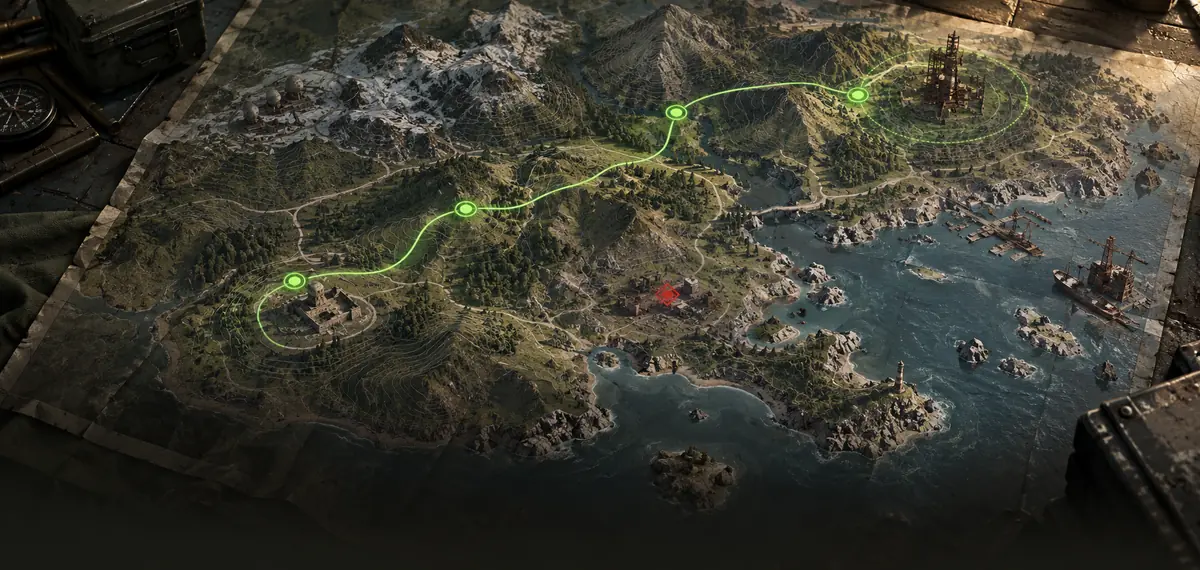
 TACTICAL MAP
01
Read the field.
Explore the map, follow the team and share points of interest. Sentinels, garages, bases and routes in one place.
Explore the map ↗ FRONTWARRUST · BY MILL TECHOpen dashboard ↗
Organize your clan in Rust: a shared map, bases, TCs and wipe planning.
From the first marker to the next wipe, a central place to organize what matters to your clan.
TACTICAL MAPExplore the map, follow the team and share points of interest. Sentinels, garages, bases and routes in one place.
Explore the map ↗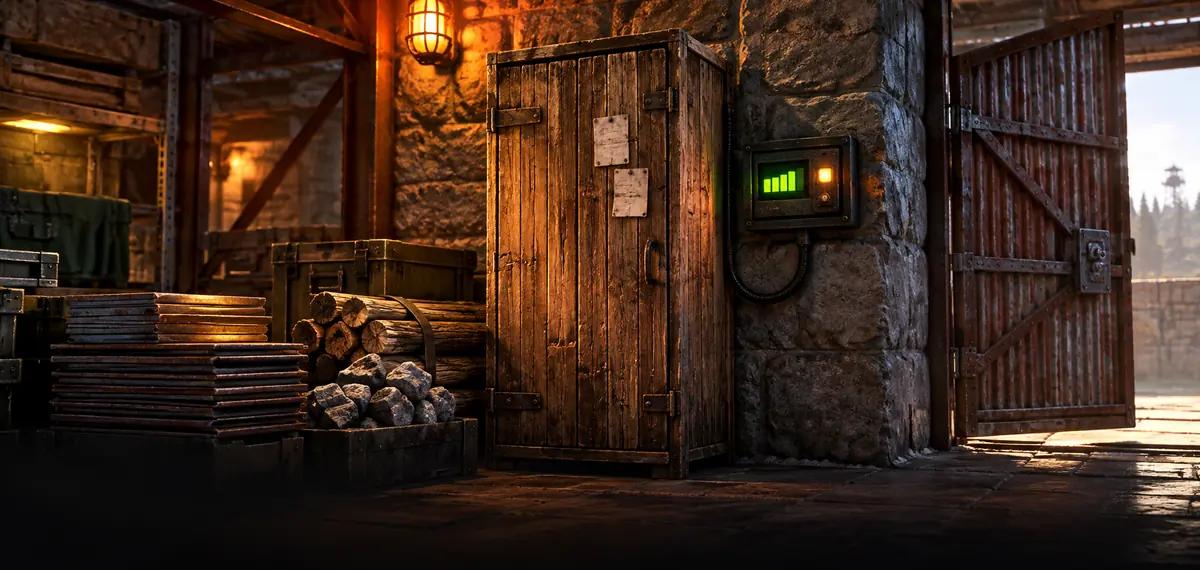 BASES & MONITORS
Design your bases and monitor the upkeep of the TCs with a paired Storage Monitor. Receive signs of changes that need attention.
Explore TC monitoring ↗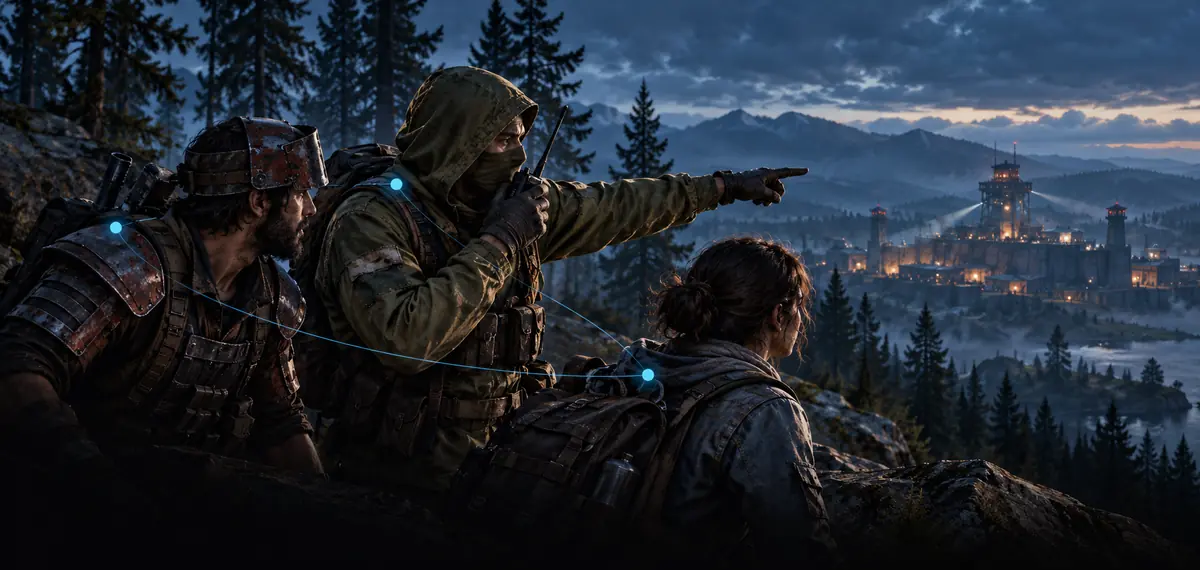 CONNECTED TEAM
The markings of confirmed members from the same clan, server and wipe are found on the map. The team sees the same plan.
See teamwork ↗A call on Discord. A point on the map. A team that knows where to go.
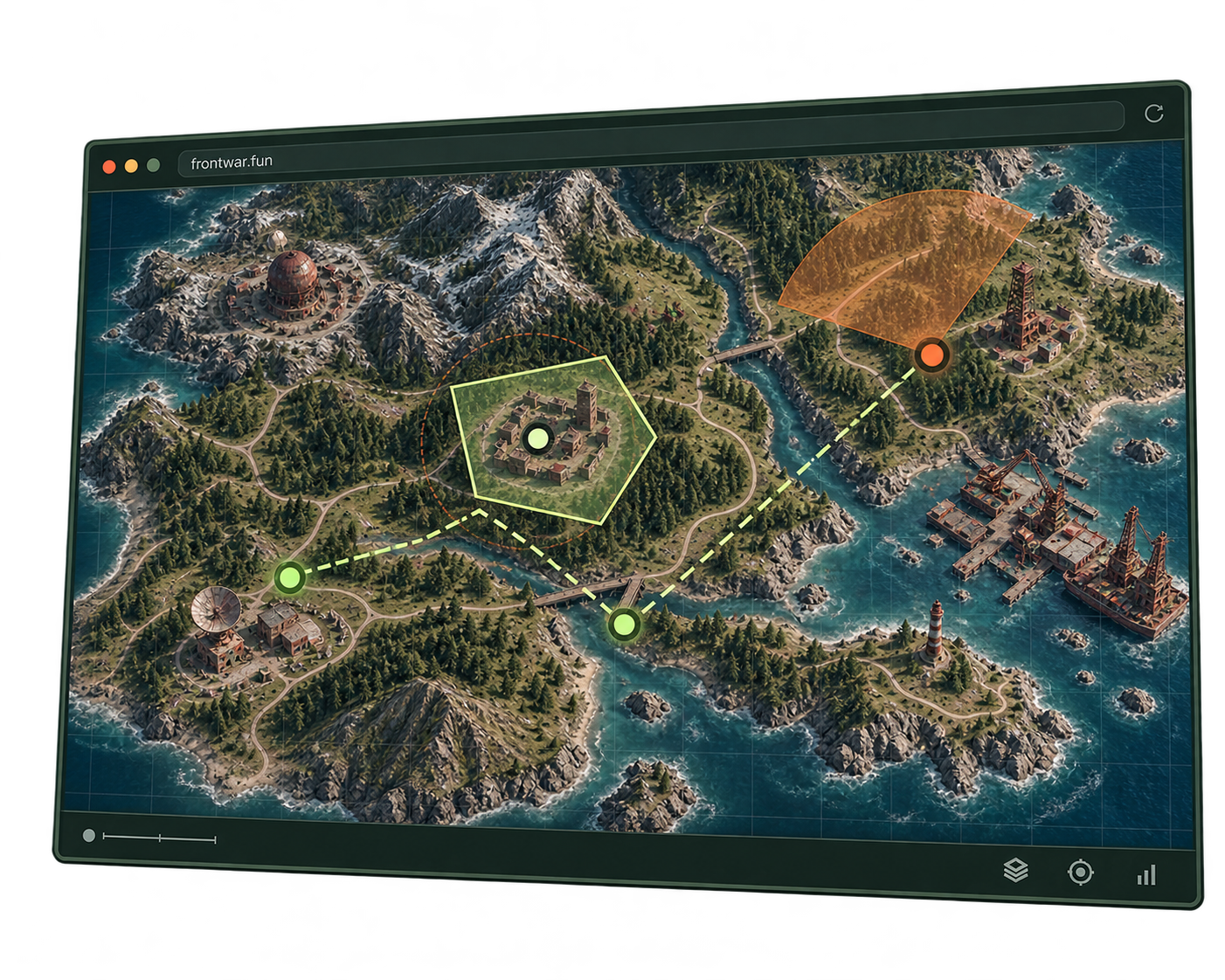
A hub to organize your clan. More tools to analyze the territory.
To enter, organize and play as a team.
€10/month: VIP from the app + server Rust FrontWar.
App only · Brazil: R$10/month
With a Brazilian billing address and Brazilian-issued card.In euros: up to 3 sentinels, personalized collection and analysis priority on the server →
Pix: R$10 for 30 days, app only, no automatic renewal.
Building suggestions are estimates; verify them in the game.Sign in with your Google Account. Link your Steam account the first time you sign in.
Open Rust+ Web ↗You must pair your Rust+ with the server you play on. In the game, open Esc → Session → Pairing and click Pair or Resend Pair. Confirm the pairing request in Rust+ Web by clicking Add Server.
Rust+ Web receives the server pairing. FrontWar+ automatically delivers the Facepunch authorization to FrontWar, without copying codes. These are two separate steps.
In FrontWar, open Connections → Link Rust+ → Authorize with FrontWar+. Sign in to Facepunch with the same Steam account. The extension returns the result automatically and FrontWar validates the authorization before importing your pairings.
Install FrontWar+ from the Chrome Web Store to link or renew your Rust+ authorization.
If you already use Rust+ or had trouble syncing, resend the pairing request from the game. Your server may be saved in Rust+ without a recent request being available for FrontWar to import.
Join the server you play on. Press Esc → Session → Rust+, open Paired and click Try pairing again.
You have allowed push notifications from this server.
Return to FrontWar → Connections and click Sync now. If you just checked, wait one minute after the last check and try again.
After resending in the game, check your pairings again.
Sync nowChecks are spaced one minute apart.Extension required to link or renew Rust+.
You can pair via Rust+ Web on the computer. The server you play on must support Rust+.
View the screenshot tutorial →
FrontWar has a tactical center for servers with Rust+ and its own Rust server, with monthly wipe and sentinels in testing. Learn about the features on the Server page.
Sign in with your Google Account. Link your Steam account the first time you sign in.
Link through Chrome on a computer with FrontWar+. Then use the same Steam account on your phone to access the dashboard. Return to the computer to renew authorization.
FrontWar queries data from Rust+ periodically. The update depends on the game, server and connection. Upkeep changes may indicate monitor problems; are not a raid confirmation.
No. FrontWar is an independent project from Mill Tech, with no official affiliation with Facepunch or Valve. Rust, Rust+ and Steam belong to their respective owners.